Using AI to design, code, and launch my portfolio
Role
UX, UI, Front‑End, Content
Tools
Figma, VS Code, Copilot, Gemini
Project Type
Personal Portfolio Rebuild
Overview
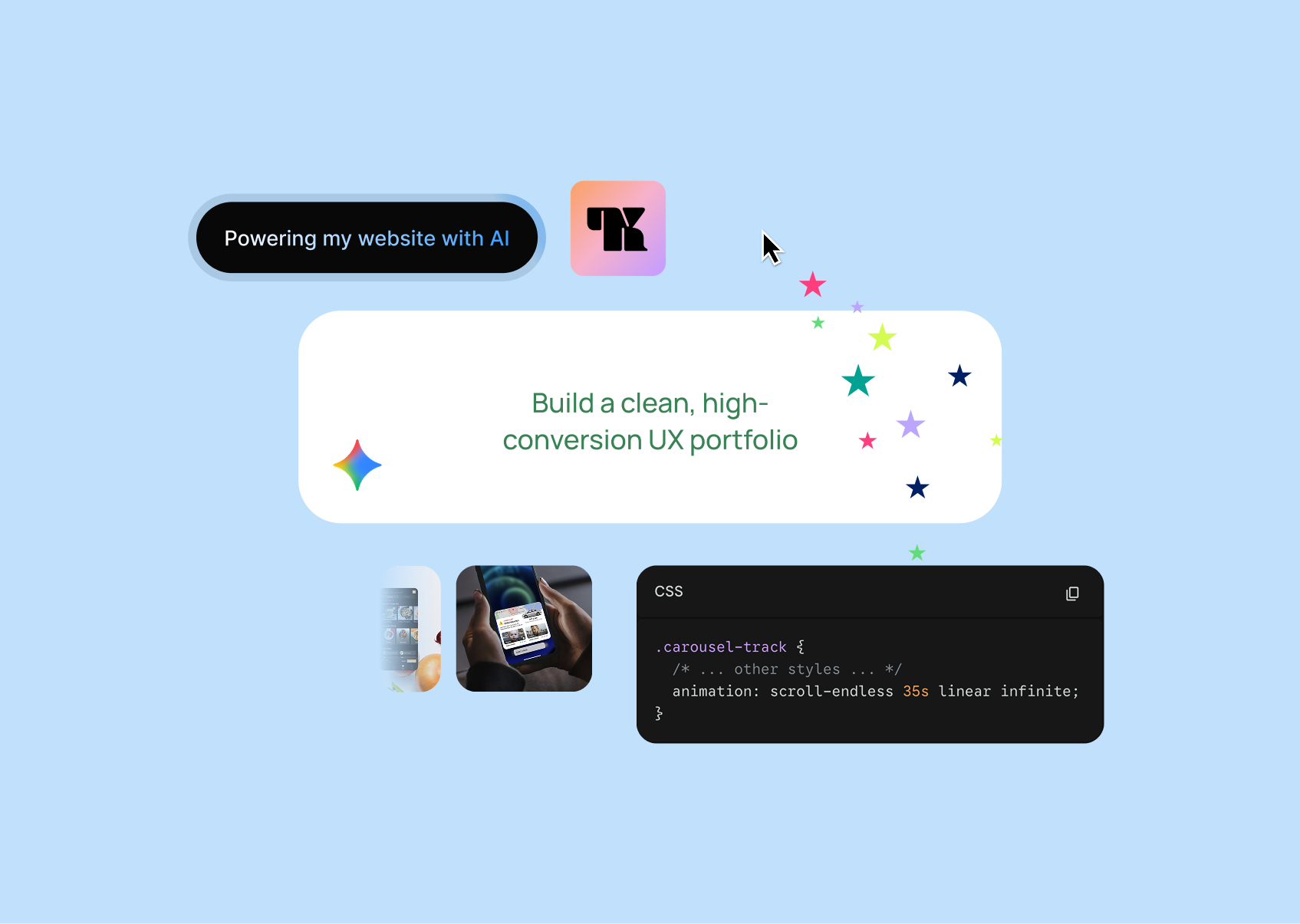
When my previous portfolio expired, I chose to rebuild rather than repost a four‑year‑old site. I wanted a fresh version online quickly that better reflected my work as a senior product designer and manager. Rebuilding from scratch was daunting since the original took months of hand‑coding, but I was confident AI could streamline the process.
My process
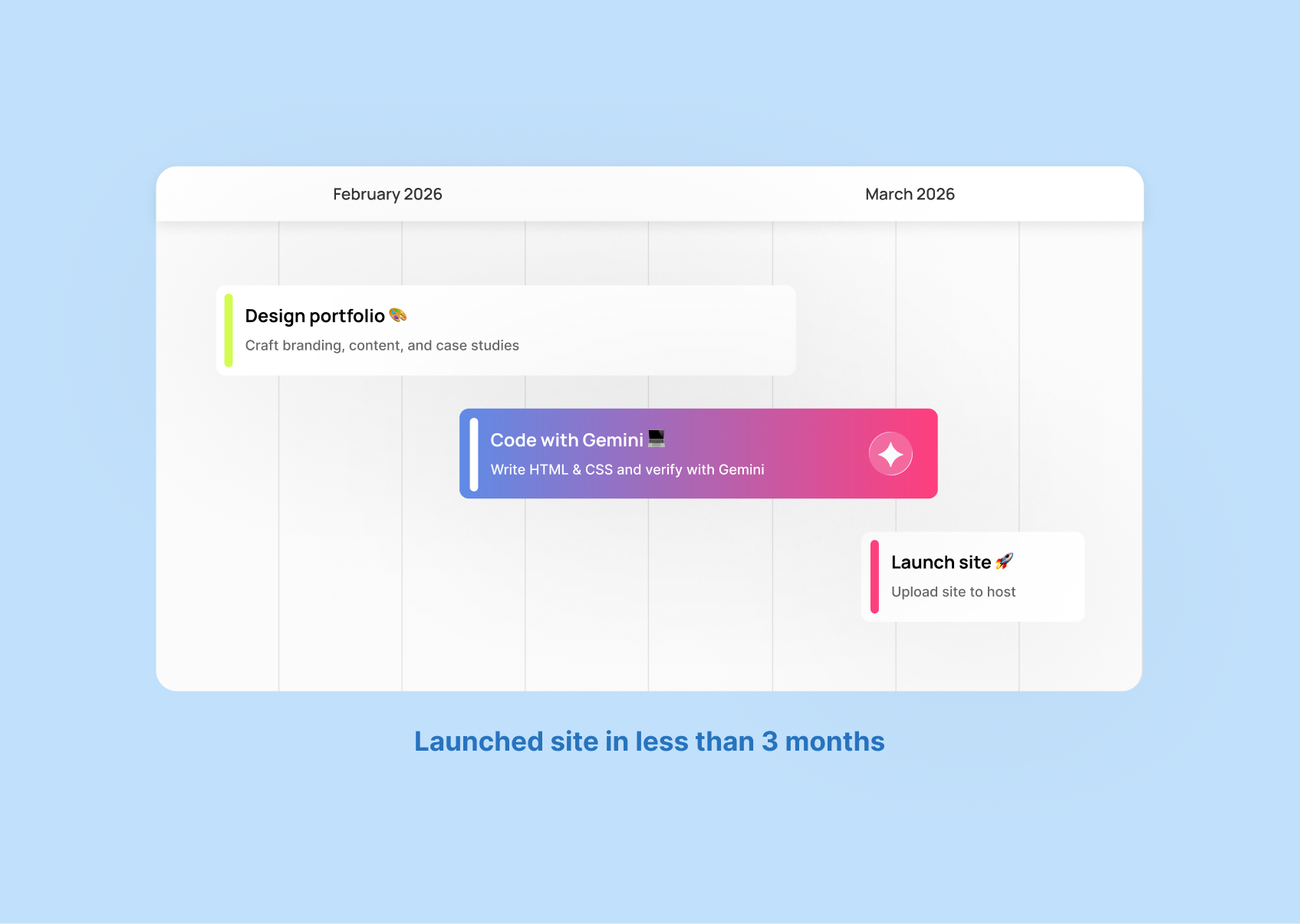
Step 1: Designing in Figma
I explored multiple design iterations to find the right balance between professionalism and personality. In the end, I kept the layout simple and focused on showcasing my work.
Step 2: Coding in VS Code
I have a foundational background in coding from two college courses, which has been invaluable throughout my UX career. It helps me communicate effectively with developers and understand technical constraints.
Step 3: Integrating AI
I used Gemini to accelerate the coding process. It helped me generate layouts, troubleshoot issues, and fill in the gaps where my coding knowledge was limited.
Prompts
Examples of the prompts that helped me move faster and solve coding challenges:
"Troubleshoot why the "work" and "about" text is a light gray color. Attached is the HTML..."
"Code a hover effect that cursor makes cute sparkles in a section of a website..."
"Generate code a skills section. There should be a header, with body copy. Below it should be two colums of lists. It should responsively go to one column in mobile viewports. The list should have a comfy amount of padding between each item, and should have a line between each list. Each list item should have an icon. Below that should be a list of UX related tools and it should use the tag ui."
Highlights from AI
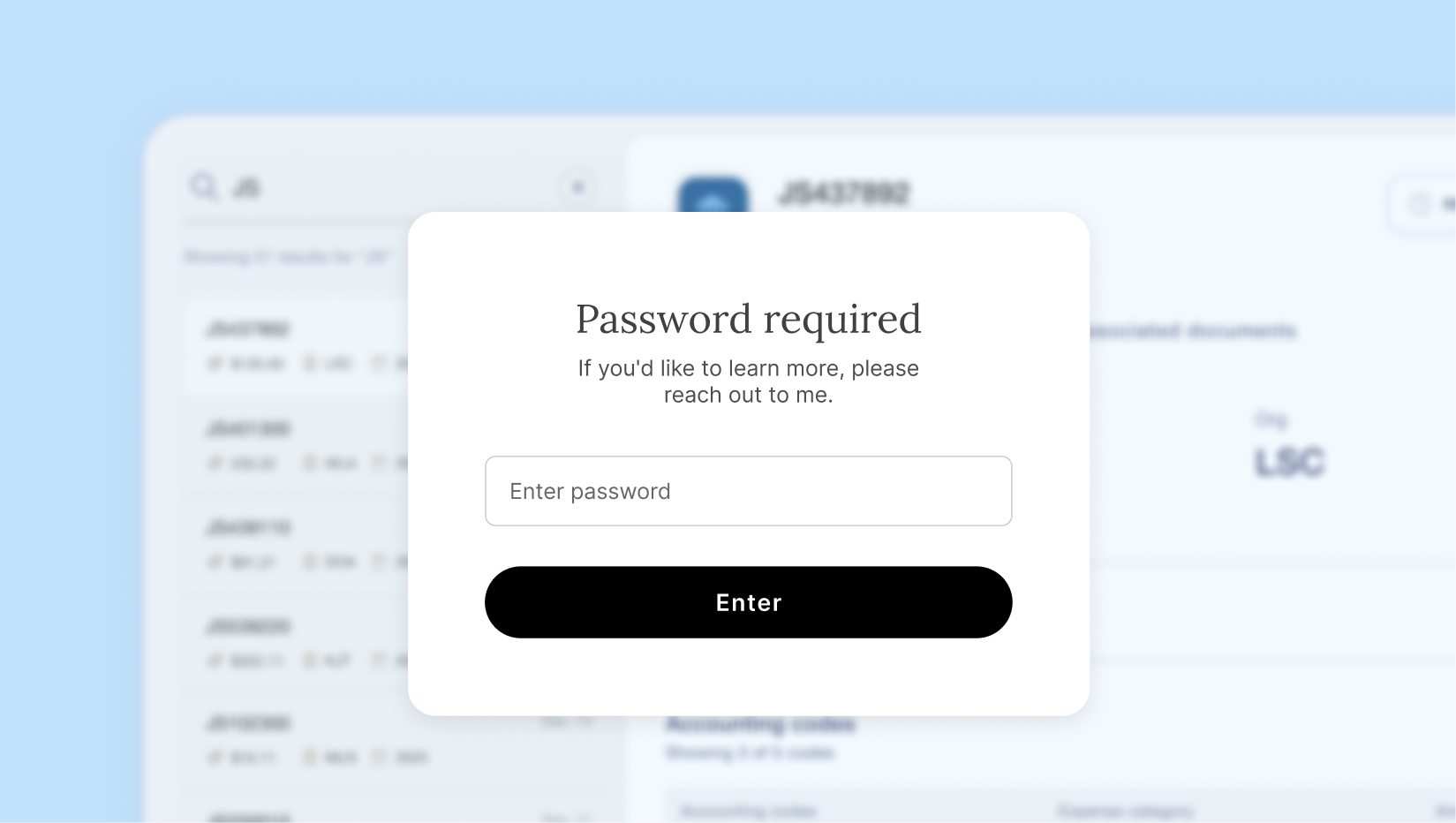
Secure password protection
I used Gemini to build a clean client‑side password system to protect NDA‑sensitive work, something I couldn’t effectively create on my own before.
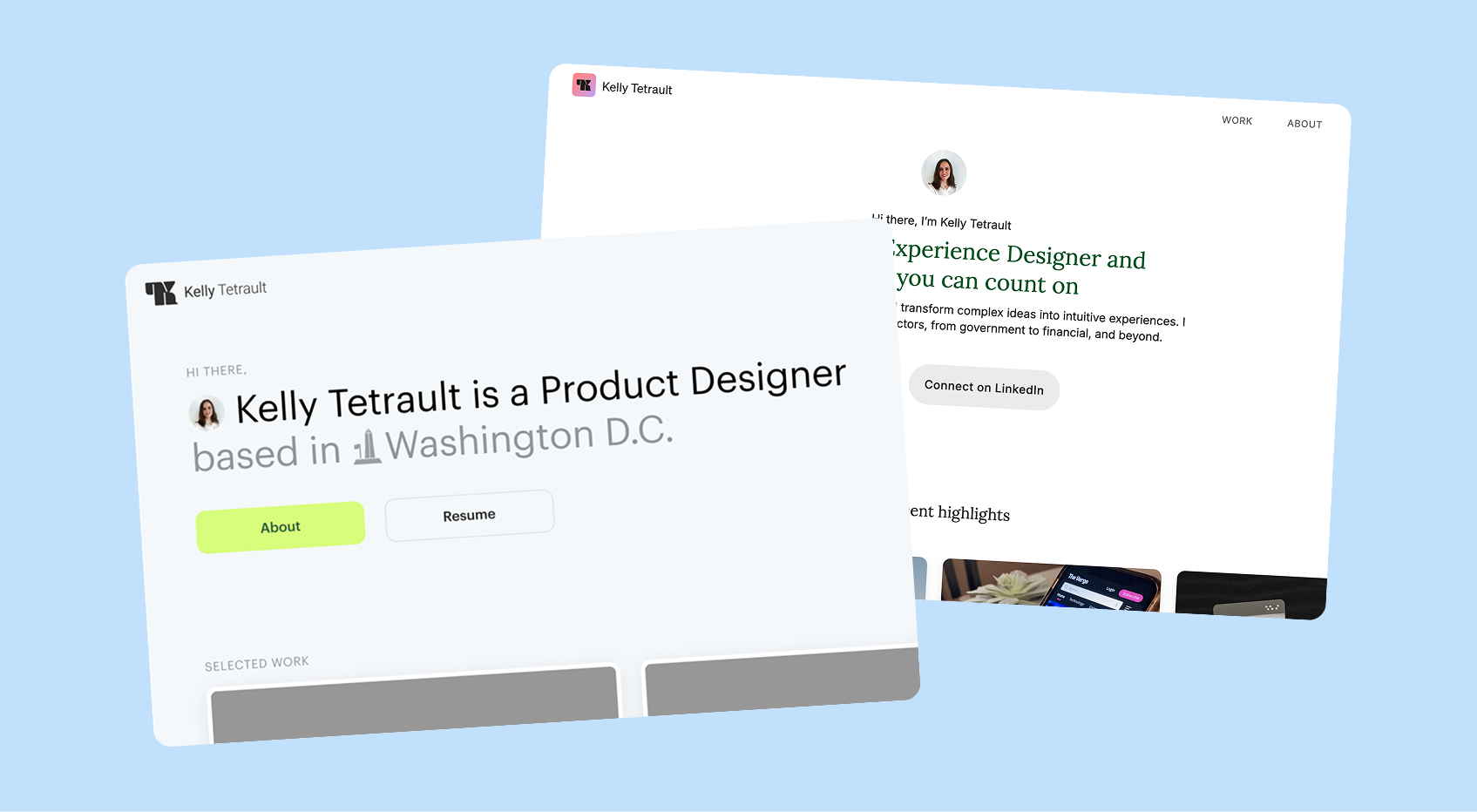
Faster design iterations
I was able to test new layouts much faster because AI handled the coding heavy lifting.
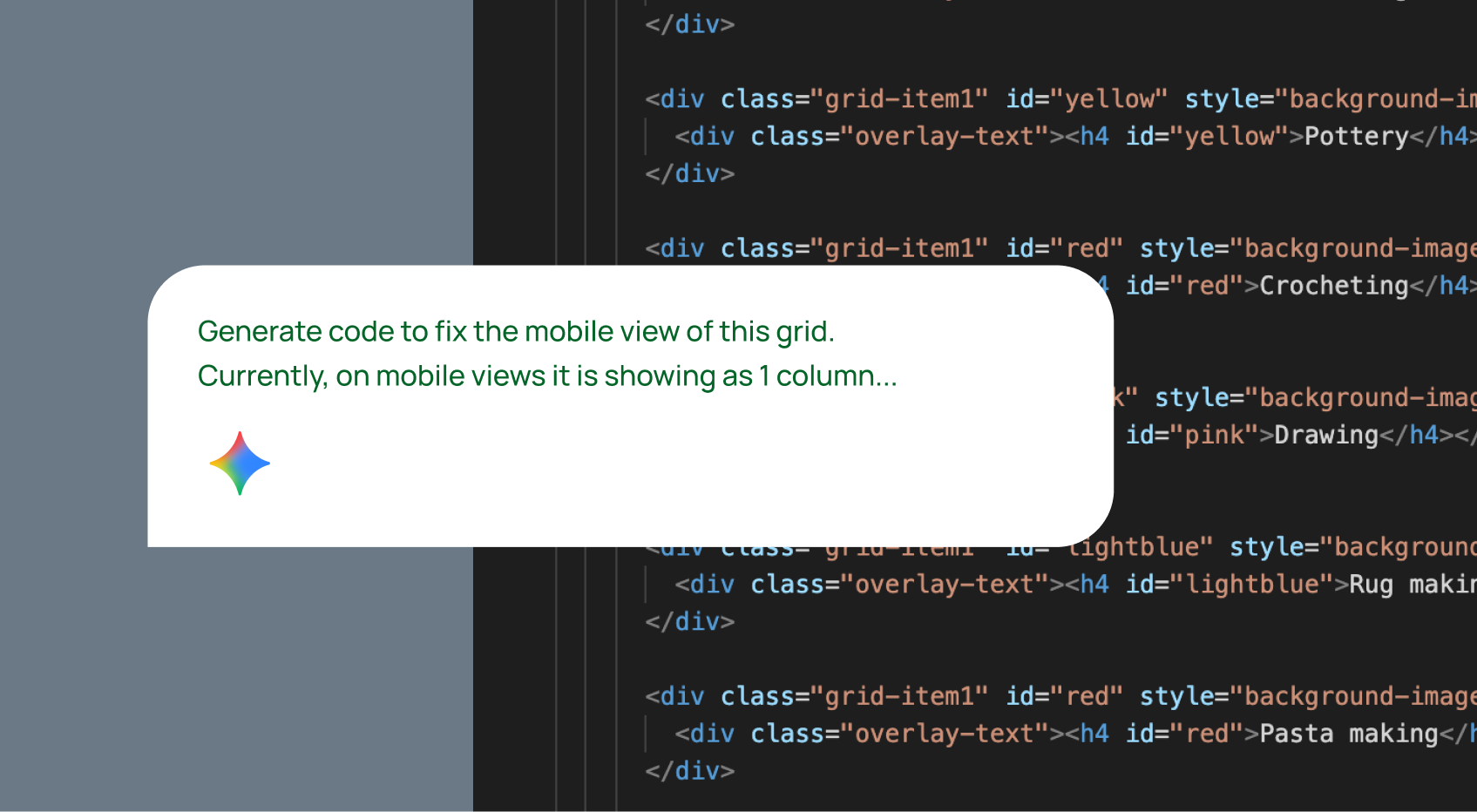
Streamlined troubleshooting
Whenever I hit a coding issue, Gemini helped me diagnose and fix it quickly.
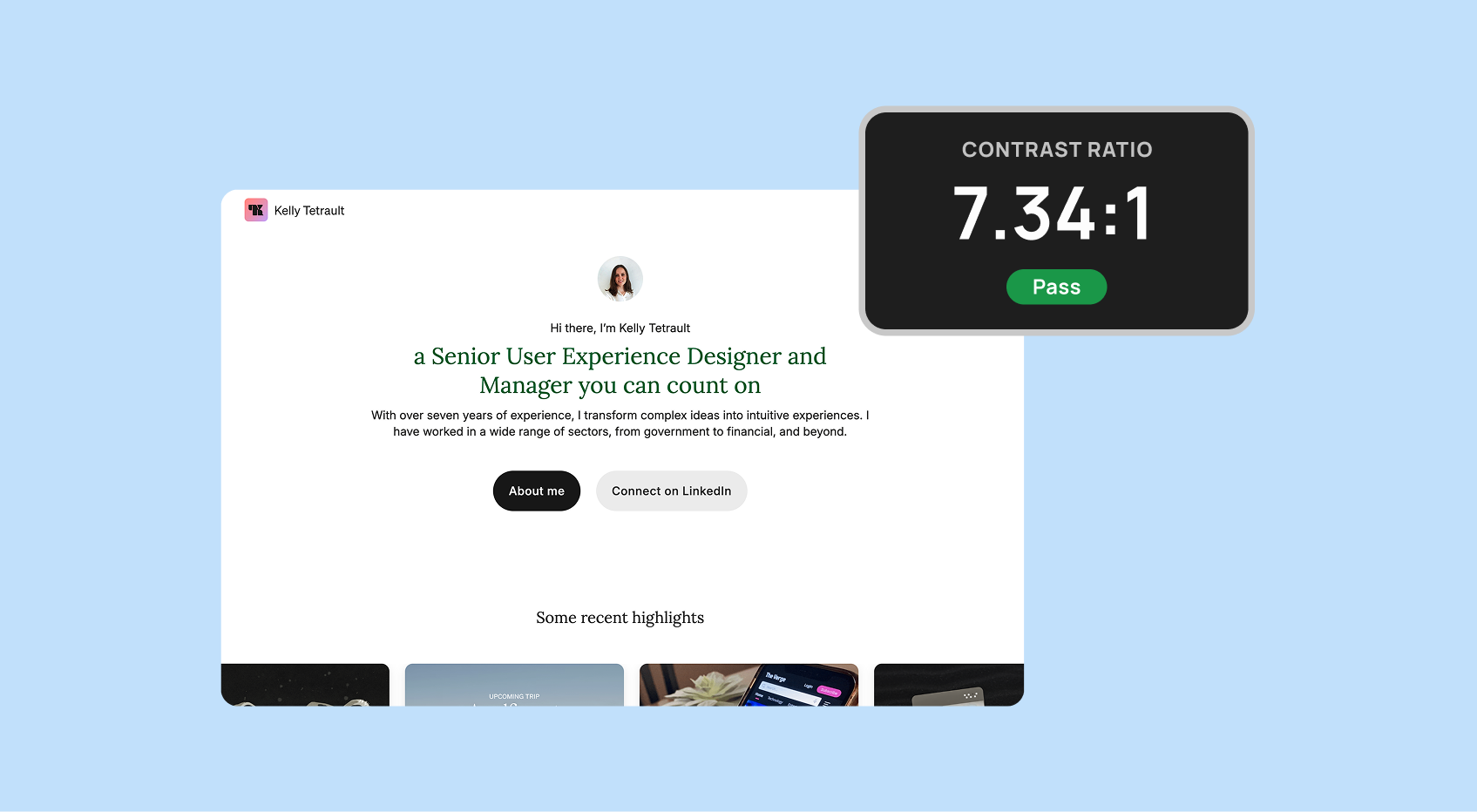
Ensuring accessibility
Refining the design system typography and color palette to ensure AA accessibility compliance.
Key takeaways
Challenges
-
Different AI tools had different strengths, so I switched between Copilot for content and Gemini for coding.
-
Some outputs were overly long or verbose, but since code optimization wasn’t my goal, it didn’t slow me down.
Outcomes
-
AI helped me add features I couldn’t previously build like password protecting my case studies.
-
Successfully implemented a client-side password protection system, allowing for the secure showcasing of proprietary SaaS and financial service case studies.
Purpose
The purpose of this case study is to highlight how I could use AI beyond my day‑to‑day role at Mastercard. It helped me move faster, experiment more freely, and ship a portfolio that reflects both my design skills and my adaptability as a senior product designer.